
Visionneuse de fichiers CAO en ligne
Remarques
- Temps de chargement : Les fichiers de plus de 5 Mo peuvent prendre plus de 30 secondes à charger.
- Limite de taille : Une capacité inférieure à 150 Mo est fortement recommandée pour une stabilité optimale.
- Complexité: Les modèles à très haute résolution peuvent faire planter l'onglet (les performances dépendent du matériel).
Liste des fonctionnalités
Ingénierie et analyse
- Estimation instantanée du poids : Calcul automatique du volume et du poids.
- Sectionnement dynamique : Découper les modèles selon les axes X/Y/Z.
- Vérification des dimensions : Vérifiez les dimensions de la boîte englobante et la géométrie étanche.
Visualisation avancée
- Affichage multimode : Basculez instantanément entre les modes Solide, Filaire, Rayons X et Normales.
- Orthographe et perspective : Passez aux vues ISO à l'échelle réelle.
- Ombrage et couleurs personnalisés : Appliquez des échantillons de couleurs mates, métallisées ou personnalisées sur des parties spécifiques.
Gestion d'assemblage
- Arbre de pièces intelligent : Analysez automatiquement les assemblages complexes pour les transformer en une liste claire et cliquable.
- Isolation des composants : Afficher, masquer ou inspecter des pièces individuelles en un seul clic.
- Captures d'écran haute résolution : Exportation de captures d'écran en un clic pour une communication technique rapide.
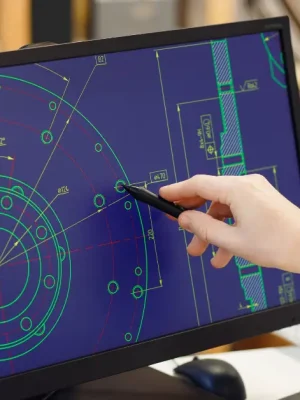
Plusieurs formats de fichiers pris en charge
- STL : Norme industrielle pour la fabrication et l'impression 3D. Contient uniquement la géométrie brute (sans couleur), ce qui la rend idéale pour des analyses structurelles rapides, l'estimation du volume et les vérifications d'étanchéité.
- OBJ : Un format géométrique 3D largement compatible. Affiche des maillages polygonaux de base pour une évaluation simple de la forme et de la structure.
- GLTF / GLB : La référence en matière de 3D web haute performance. Prend entièrement en charge les couleurs, les matériaux complexes et le rendu PBR. Remarque : Vous pouvez glisser-déposer des dossiers complets ou des fichiers ZIP contenant des textures pour une représentation visuelle haute fidélité.
- 3MF : Un format de fabrication 3D avancé. Conserve les hiérarchies d'assemblage, les structures multi-pièces, les couleurs des sommets et les données de base des matériaux pour une séparation claire des composants.
- ÉTAPE (.step / .stp) : Format CAO de base pour l'usinage CNC et l'ingénierie. Converti localement en un maillage léger pour une visualisation en temps réel dans un navigateur. Conserve l'intégralité des arbres d'assemblage, ce qui le rend idéal pour l'inspection visuelle, l'évaluation des devis et l'analyse de base (ne convient pas à l'édition paramétrique).
Sécurité de niveau entreprise : Traitement local 100%
Nous comprenons que vos conceptions CAO et vos modèles 3D contiennent des informations hautement confidentielles. Notre visionneuse est conçue pour garantir une confidentialité absolue.
- Téléchargements serveur zéro : Vos fichiers ne sont jamais téléchargés, transmis ni stockés sur un serveur externe.
- Rendu dans le navigateur local : Grâce à Three.js, l'analyse des fichiers, le calcul de la géométrie et le rendu 3D s'effectuent exclusivement dans la mémoire locale de votre appareil.
- Fonctionnement hors ligne : Pour une sécurité maximale, vous pouvez ouvrir la page Web de visualisation, déconnecter votre appareil d'Internet et continuer à inspecter vos fichiers sans interruption.
- Protection sans compromis de la propriété intellectuelle : Comme aucune donnée ne quitte votre machine, vos conceptions techniques exclusives restent totalement confidentielles et entièrement sous votre contrôle.


Service de fabrication HDC


FAQ
Pourquoi HDC Manufacturing a-t-il conçu cet outil ?
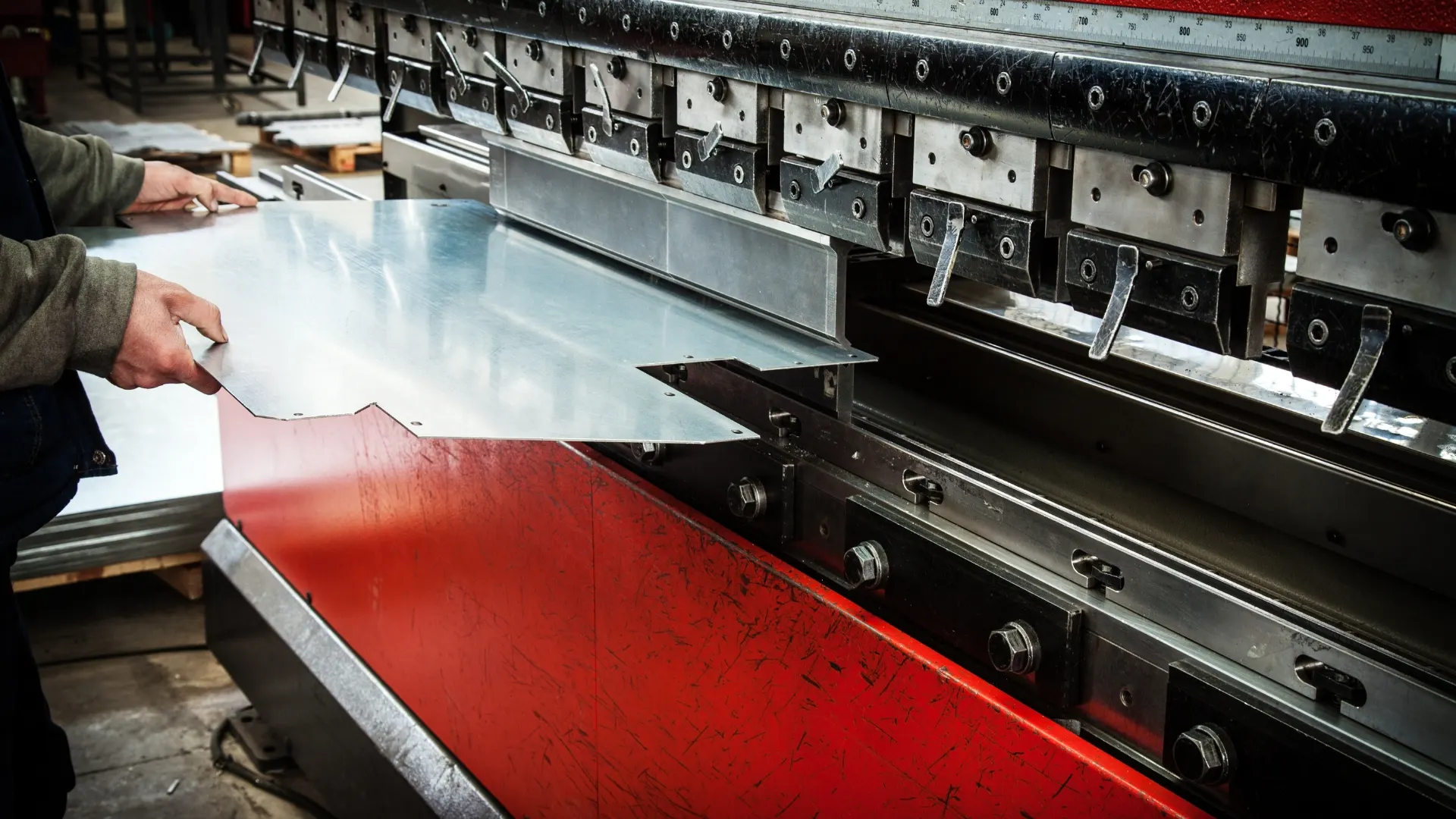
En tant que fabricant de pièces métalliques sur mesure, nous recevons régulièrement des demandes de devis accompagnées de modèles 3D dans une grande variété de formats. Nous avons développé cette visionneuse en ligne pour permettre à nos clients de vérifier facilement leurs conceptions avant soumission, tout en permettant à notre équipe de saisir instantanément l'étendue du projet pour des devis plus rapides et plus précis.
Puis-je utiliser cette visionneuse CAO pour le contrôle de fabrication ?
Non, ce n'est pas recommandé. Cette visionneuse est strictement réservée à l'inspection visuelle et à la consultation. Elle ne permet ni de traiter, ni de modifier les fichiers, et les modèles rendus ne peuvent être utilisés pour la fabrication ou la production. Veuillez utiliser un logiciel 3D professionnel pour le traitement de vos fichiers destinés à la fabrication.
Pourquoi mon modèle STEP apparaît-il irrégulier ou présente-t-il des défauts visuels dans cette visionneuse ?
Contrairement aux formats construits avec des triangles plats (comme STL), les fichiers STEP utilisent des courbes mathématiques précises. Les navigateurs web ne pouvant pas afficher directement ces courbes, notre visionneuse doit les convertir en un maillage triangulaire pour les visualiser. Cette conversion locale rapide peut parfois engendrer des irrégularités au niveau des bords ou des défauts d'affichage. Rassurez-vous, votre fichier original reste parfaitement précis. Il s'agit simplement d'un aperçu visuel approximatif et il ne doit pas servir de référence exacte pour la fabrication.
Pour des vérifications techniques précises et des références de fabrication, veuillez utiliser un logiciel de CAO 3D professionnel (tel que SolidWorks, AutoCAD, ou Fusion 360).
Quelle est la taille maximale des fichiers que cette visionneuse peut charger ?
Comme notre visionneuse traite les fichiers entièrement dans votre navigateur, il n'y a pas de limite stricte de taille de fichier à télécharger côté serveur. La capacité réelle dépend entièrement du matériel de votre appareil (RAM et processeur). Pour une expérience optimale et fluide, nous vous recommandons vivement de ne pas dépasser [taille maximale] pour vos fichiers. 150 Mo. Le chargement de fichiers beaucoup plus volumineux, ou d'assemblages comportant un nombre extrême de polygones, peut dépasser la limite de mémoire de votre navigateur et entraîner le blocage ou le plantage de l'onglet.