
Online GLB & GLTF File Viewer
Notes
* This viewer processes all data locally and does not upload your model to any server.
* Files larger than 5M may take more than 30 seconds to load, please wait patiently
What is GLB and GLTF ?
GLB and GLTF are popular 3D file formats used for real-time 3D graphics and web-based 3D models.
- GLTF (GL Transmission Format) is a JSON-based 3D model format designed for efficient transmission and loading in web applications. It supports PBR materials, animations, and textures, making it ideal for 3D web visualization, gaming, and AR/VR.
- GLB is the binary version of GLTF, combining all assets (geometry, textures, shaders) into a single file for faster loading and easier sharing.
Both formats are widely used in Three.js, Blender, and game engines, offering lightweight, high-performance 3D rendering for websites and apps.

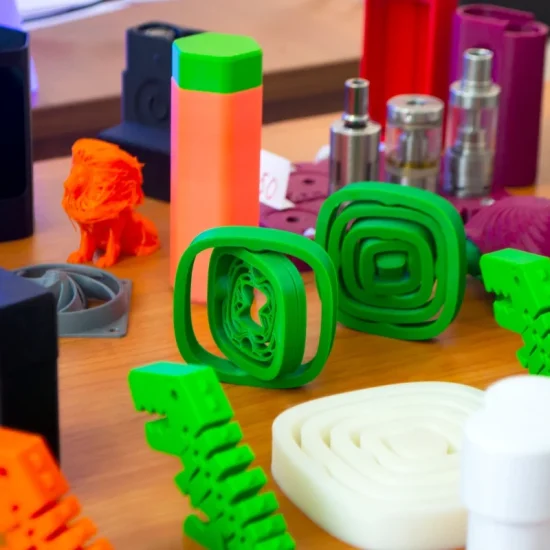
Difference Between GLB and GLTF File Format
While GLB and GLTF are closely related, they have key differences:
File Structure: GLTF uses a JSON-based text format with external assets (binaries, textures). GLB is a binary-packed format, storing everything (JSON, textures, shaders) in one file.
Performance & Loading: GLB loads faster since it avoids multiple HTTP requests. GLTF is more modular, allowing selective loading of assets.
Use Cases: GLB is better for sharing & web apps (e.g., Three.js projects). GLTF is useful for editing (e.g., Blender exports).
Both formats support PBR materials, animations, and 3D scenes, making them essential for web 3D, gaming, and metaverse development.
Other Online Tools
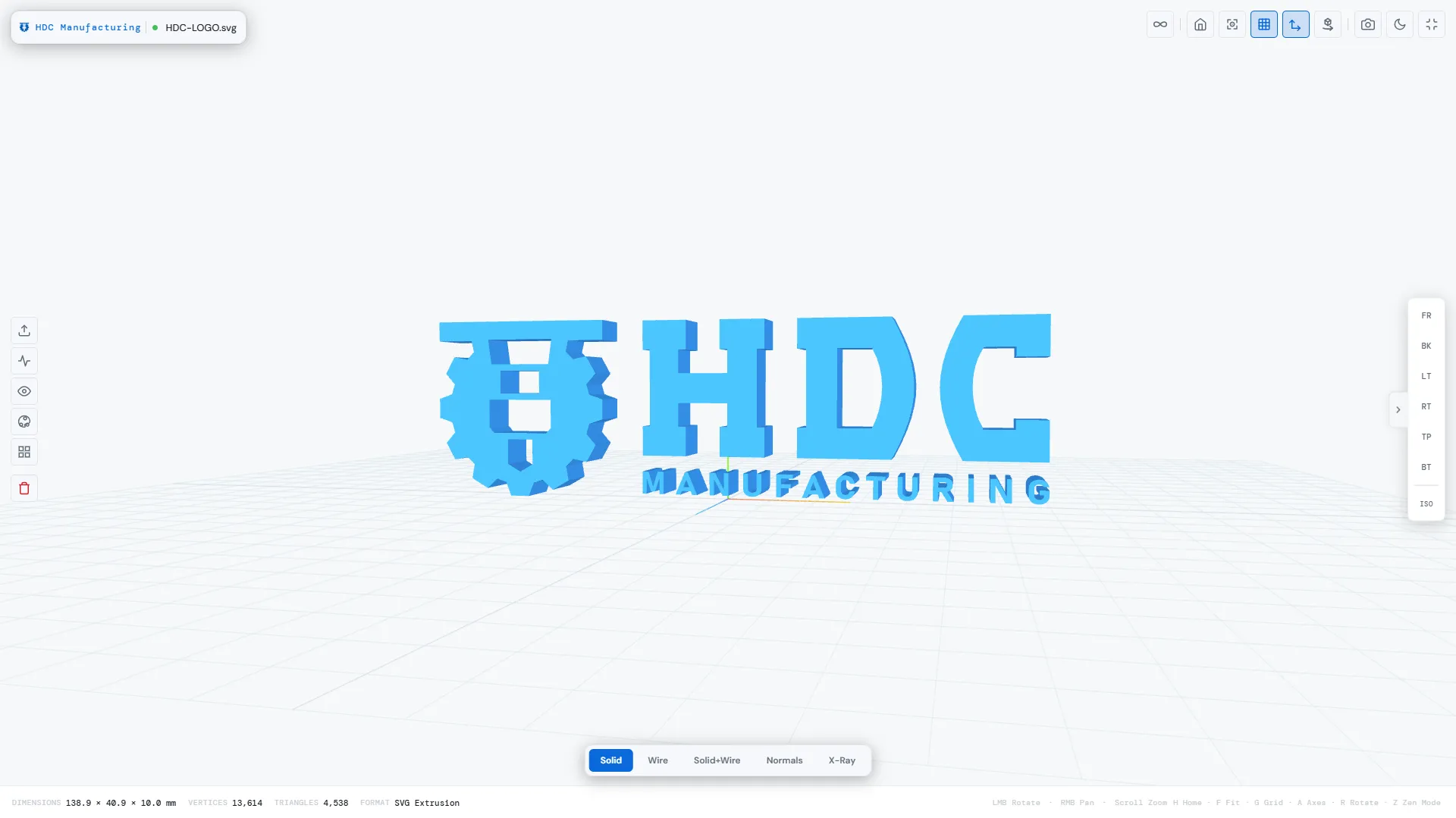
HDC Manufacturing Service




FAQs
How does this GLB/GLTF viewer work?
This tool uses Three.js to load and display 3D models (GLB/GLTF files) directly in your browser. No files are uploaded to a server—everything stays 100% local for privacy and security.
Is my 3D model uploaded to the internet?
No! Your files never leave your device. You can even disable your internet connection after loading the webpage to ensure complete offline preview.
What features does this viewer support?
- Local file preview (no server upload).
- Basic white-model rendering (no textures, materials, or advanced lighting).
- Orbit controls (rotate, zoom).
Note: Complex scenes, PBR materials, and animations are not supported.
Why choose this over other online GLB viewers?
- No privacy risks (files stay on your computer).
- Works offline after initial page load.
- Lightweight and fast (no bloated features).
Can I view textured or animated models?
This tool only displays simplified white models (no colors, textures, or animations). For full rendering, try software like Blender or online viewers that support PBR.
Which browsers are supported?
Modern browsers like Chrome (recommended), Firefox, Edge, and Safari. Ensure WebGL is enabled (required for Three.js).
How do I load a GLB/GLTF file?
Click the “Select GLB/GLTF File” button and select your file. The model will render instantly—no waiting for servers!
What are GLB/GLTF files used for?
GLB and GLTF formats are industry standards for 3D graphics and widely used in:
- Game Development: Lightweight 3D assets for Unity, Unreal Engine, and WebGL games.
- AR/VR: Optimized models for real-time augmented/virtual reality apps.
- 3D Printing: Prototyping and sharing print-ready 3D designs.
- Web Visualization: Embedding interactive 3D models in websites, e-commerce, or product demos.
- Metaverse: Building 3D environments and avatars for virtual worlds.